No account needed
Upload a file and see what it costs. You can also order as a guest, with just your email address.
3D printing to order
Makeium works out your file and gives you a fixed price, shipping included. A maker prints it and sends it to you.
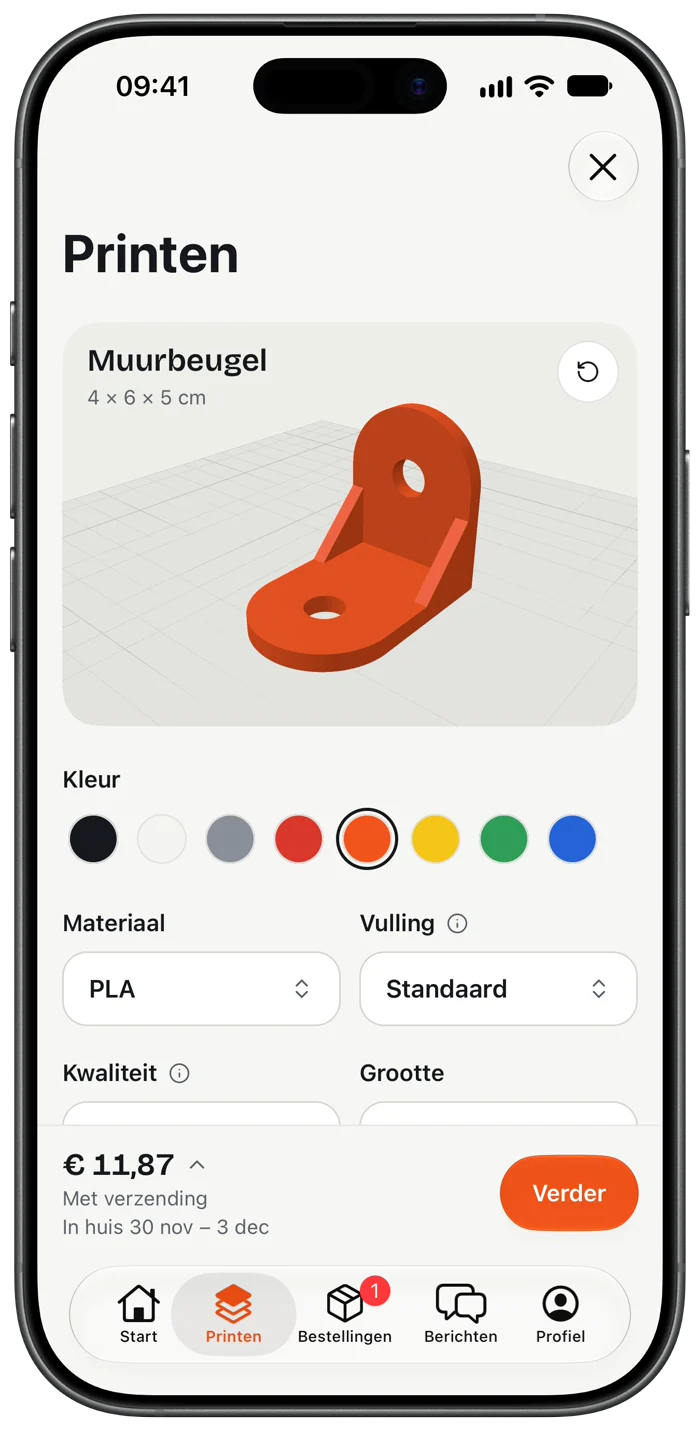
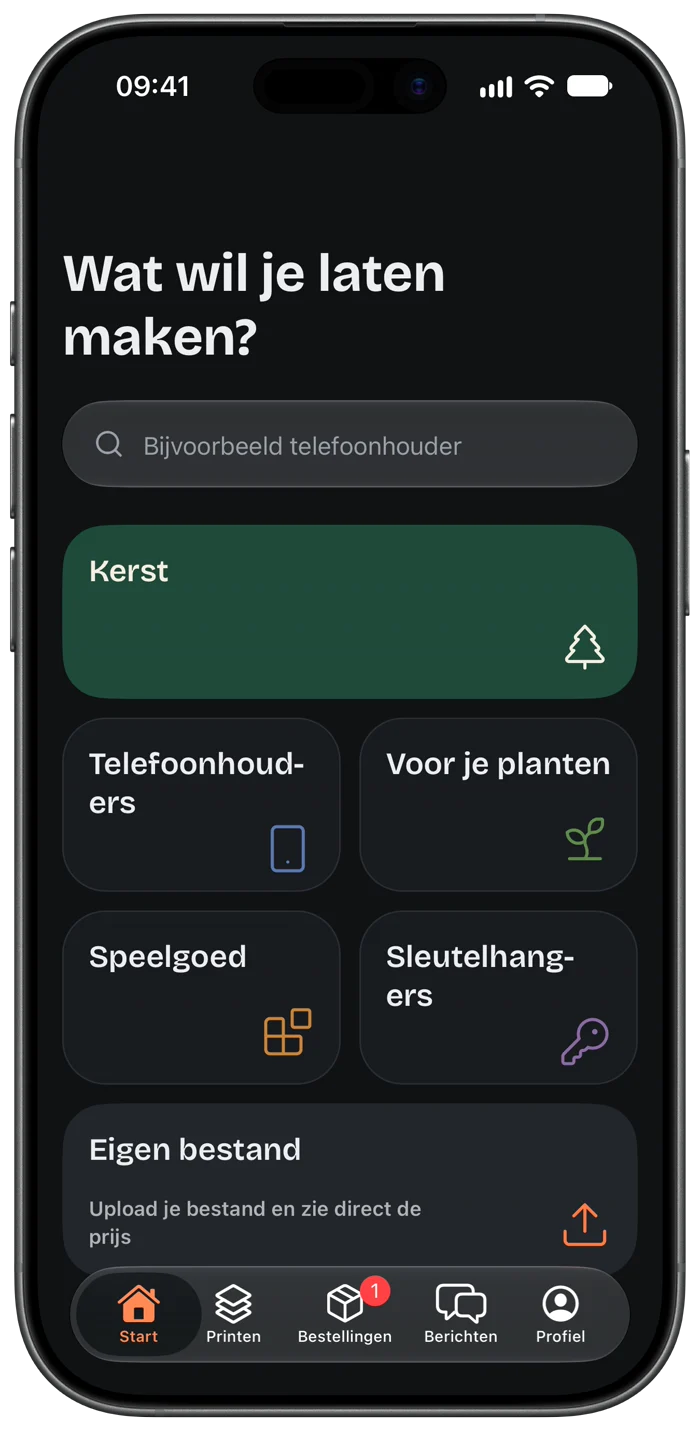
Upload your own STL or 3MF file, or pick a design from the library. A zip opens in the app, so you can choose the models in it.
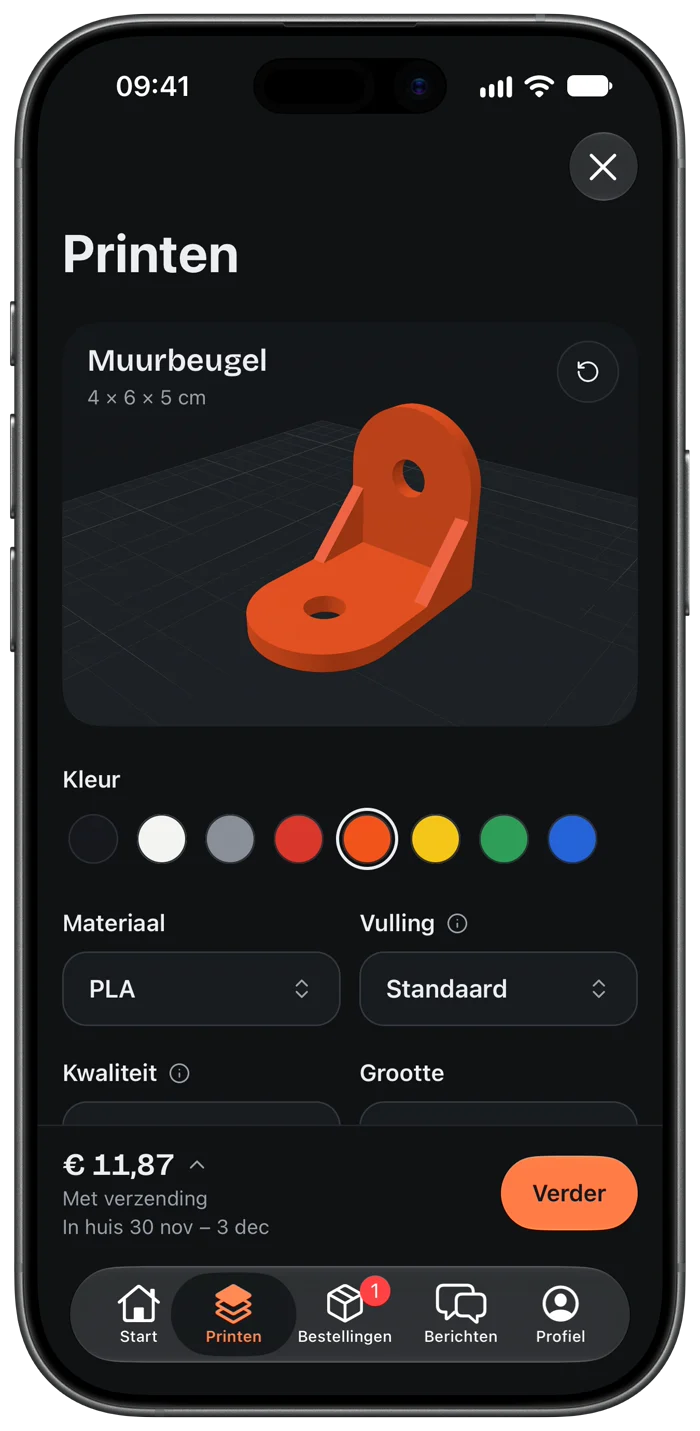
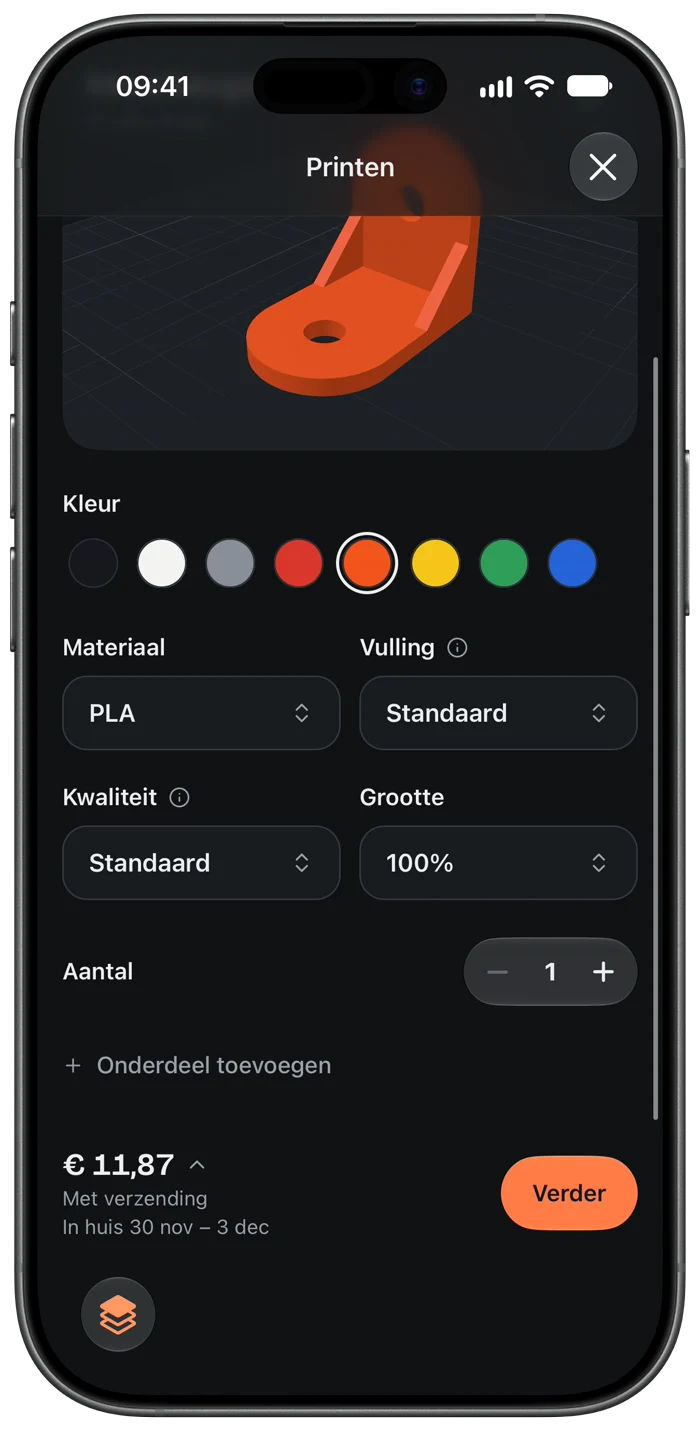
Everything but the colour is already set well: material, infill, quality and size. Change something and the price changes with it. If the model is too big for the printers, one tap makes it smaller.
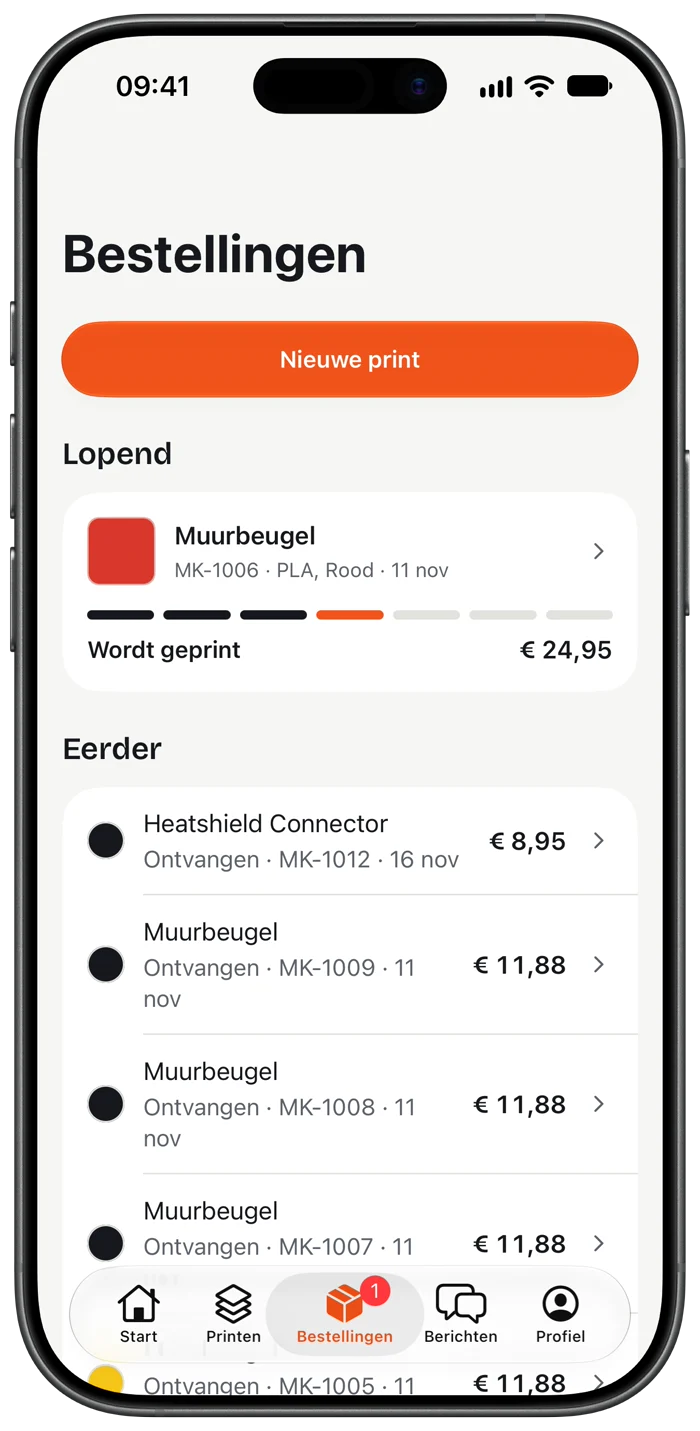
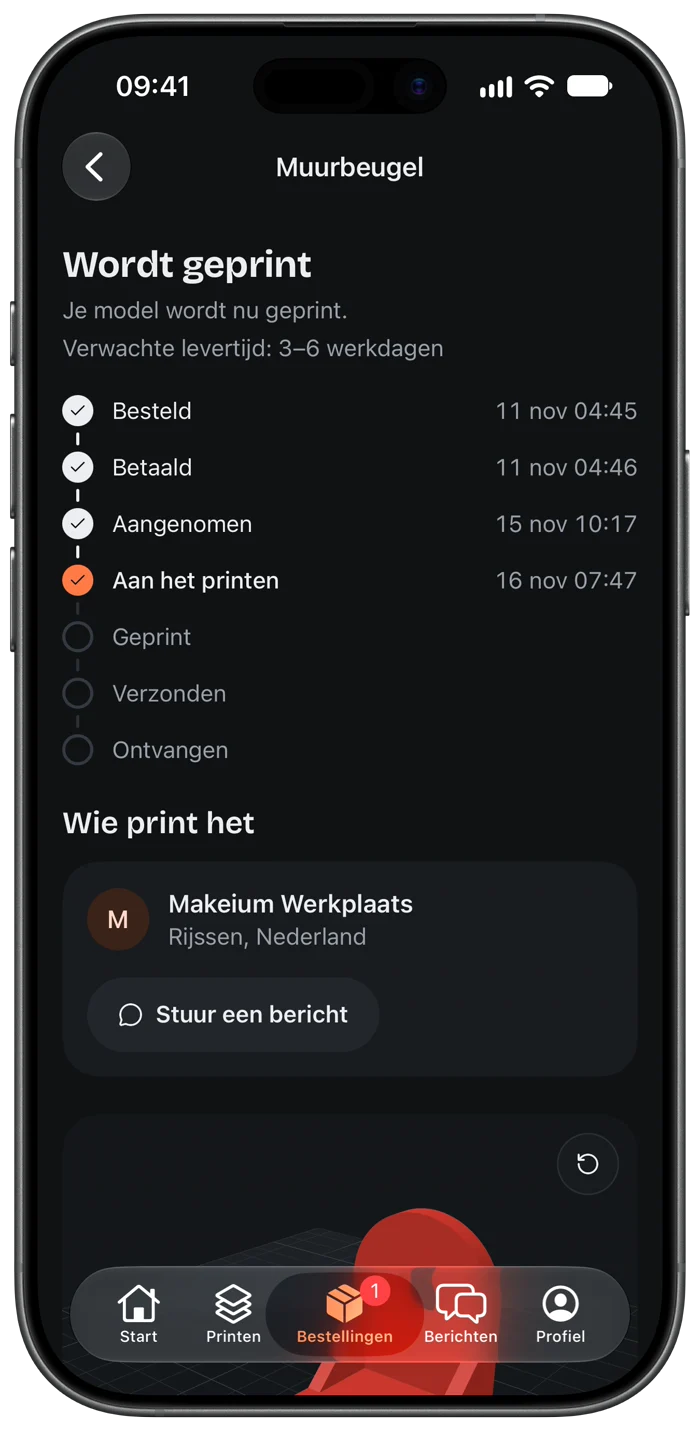
You pay when you order. Then a printer takes on your job; you see who it is and can send them a message. You follow every step in the app, up to the track and trace.
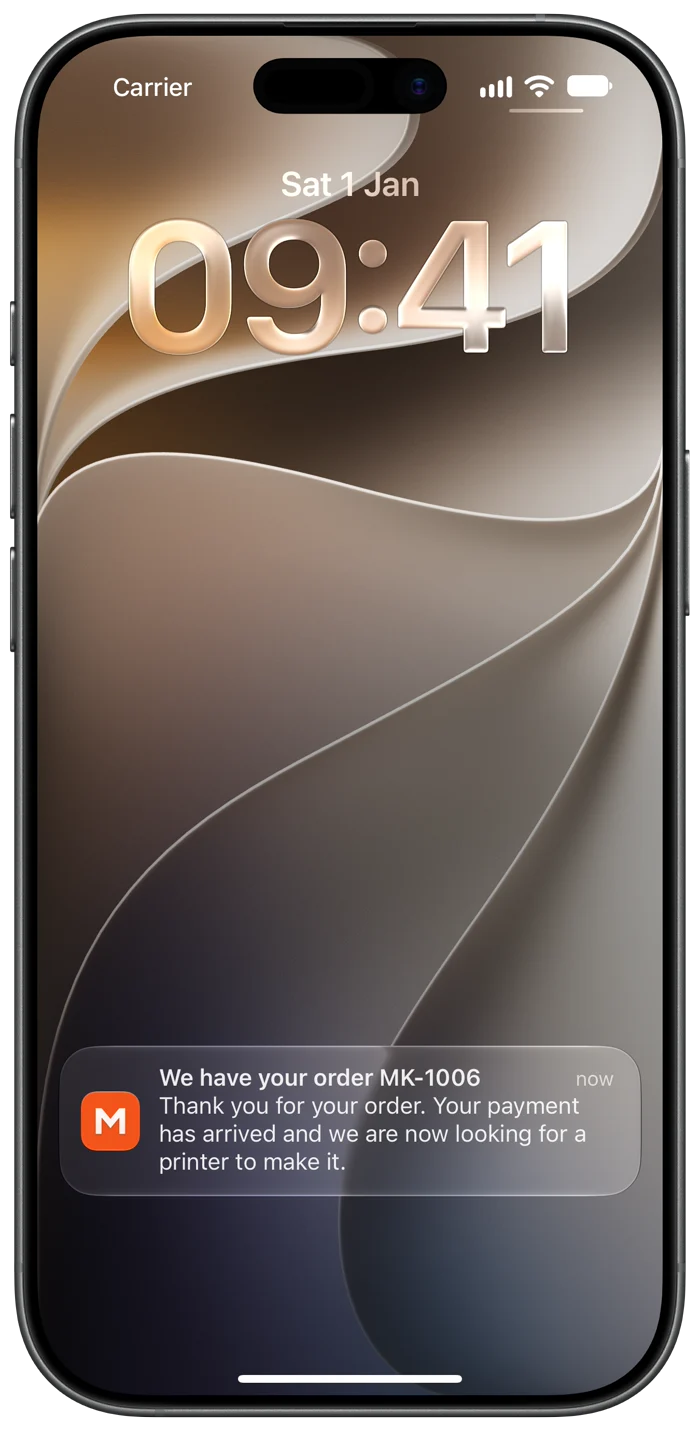
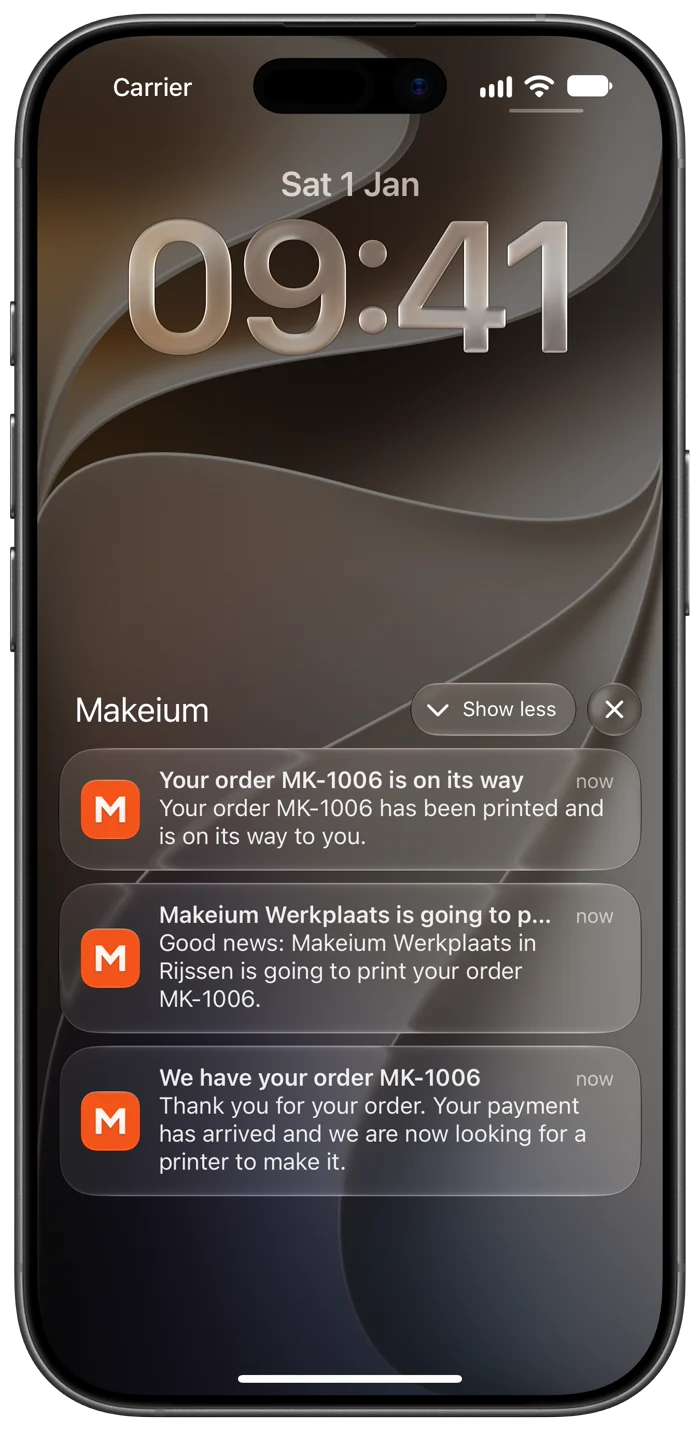
You get a notification at every step that matters: when you have paid, when a maker takes your print on, and when it is on its way.
Upload a file and see what it costs. You can also order as a guest, with just your email address.
You pay on Stripe's secure payment page. The maker only gets the money once your print has arrived and is right.
If no printer takes on your job within 7 days, you get everything back. You can cancel until then, too.
You have 7 days after delivery to report a problem, with photos. If it is justified, you get everything back.
A slicer, the program a 3D printer works from, works out how long your model prints and how much material it takes. With setup and shipping added, that is the whole price.
If you have no model of your own, search for one in the app. A maker prints it for you.
Find a design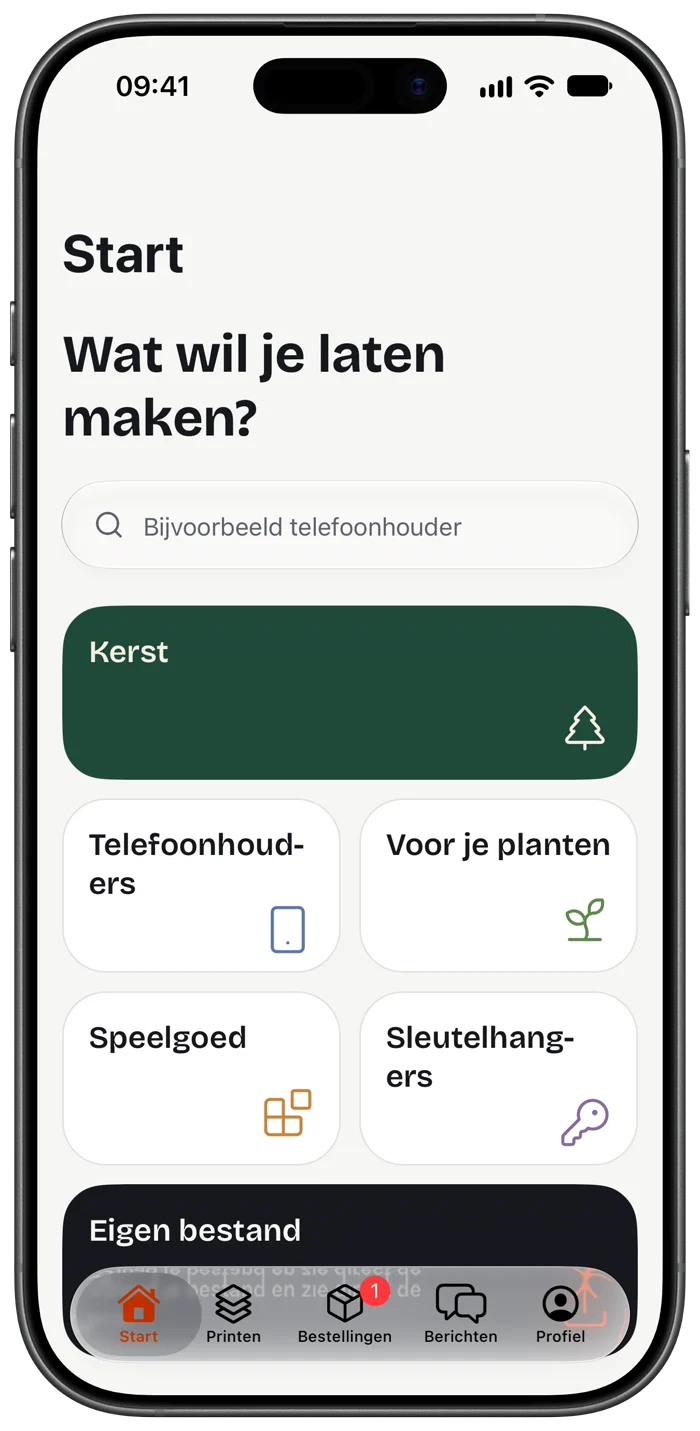
For printers
Choose the materials and colours you offer, and only see jobs that fit them. Take on what suits you: you see the customer’s town, and their address once the job is yours.
What you earn is fixed when the order is placed: the price without shipping, minus the commission.
Join the waiting listUpload a file and know in seconds what it costs.